
#识别图片
pip3 install paddleocr
pip3 install paddlepaddle#识别pdf
pip3 install PyMuPDF
重点:路径不能有中文,不然pdf文件访问不了
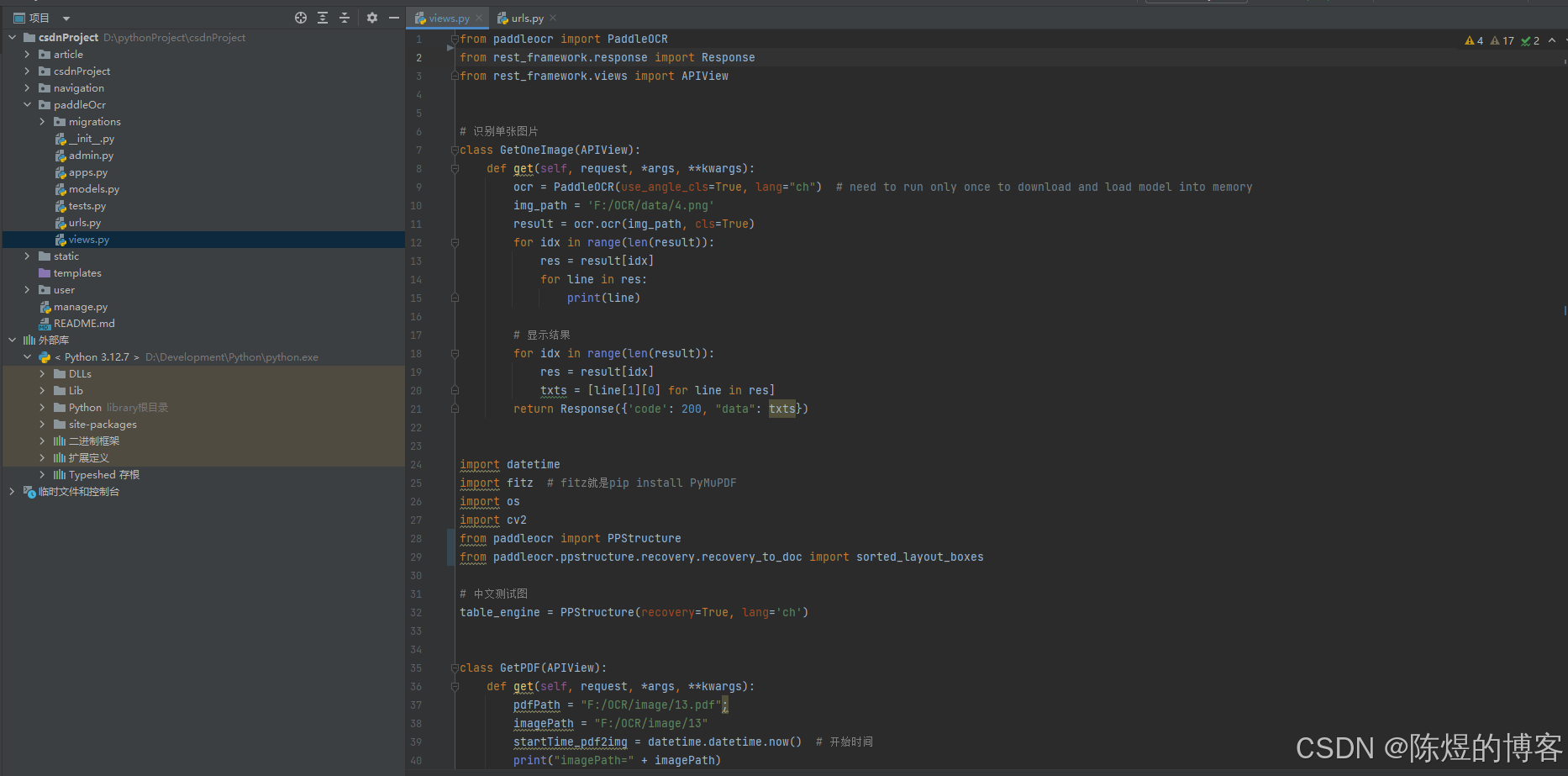
from paddleocr import PaddleOCR
from rest_framework.response import Response
from rest_framework.views import APIView# 识别单张图片
class GetOneImage(APIView):def get(self, request, *args, **kwargs):ocr = PaddleOCR(use_angle_cls=True, lang="ch")  # need to run only once to download and load model into memoryimg_path = 'F:/OCR/data/4.png'result = ocr.ocr(img_path, cls=True)for idx in range(len(result)):res = result[idx]for line in res:print(line)# 显示结果for idx in range(len(result)):res = result[idx]txts = [line[1][0] for line in res]return Response({'code': 200, "data": txts})import datetime
import fitz  # fitz就是pip install PyMuPDF
import os
import cv2
from paddleocr import PPStructure
from paddleocr.ppstructure.recovery.recovery_to_doc import sorted_layout_boxes# 中文测试图
table_engine = PPStructure(recovery=True, lang='ch')#识别pdf
class GetPDF(APIView):def get(self, request, *args, **kwargs):pdfPath = "F:/OCR/image/13.pdf";imagePath = "F:/OCR/image/13"startTime_pdf2img = datetime.datetime.now()  # 开始时间print("imagePath=" + imagePath)if not os.path.exists(imagePath):os.makedirs(imagePath)pdfDoc = fitz.open(pdfPath)totalPage = pdfDoc.page_countfor pg in range(totalPage):page = pdfDoc[pg]rotate = int(0)zoom_x = 2zoom_y = 2mat = fitz.Matrix(zoom_x, zoom_y).prerotate(rotate)pix = page.get_pixmap(matrix=mat, alpha=False)print(f'正在保存{pdfPath}的第{pg + 1}页,共{totalPage}页')pix.save(imagePath + '/' + f'images_{pg + 1}.png')endTime_pdf2img = datetime.datetime.now()print(f'{pdfDoc}-pdf2img-花费时间={(endTime_pdf2img - startTime_pdf2img).seconds}秒')img_path = imagePath;text = []imgs = os.listdir(img_path)for img_name in imgs:img = cv2.imread(os.path.join(img_path, img_name))result = table_engine(img)h, w, _ = img.shaperes = sorted_layout_boxes(result, w)for line in res:line.pop('img')print(line)for pra in line['res']:text.append(pra['text'])text.append('\n')return Response({'code': 200, "data": text})
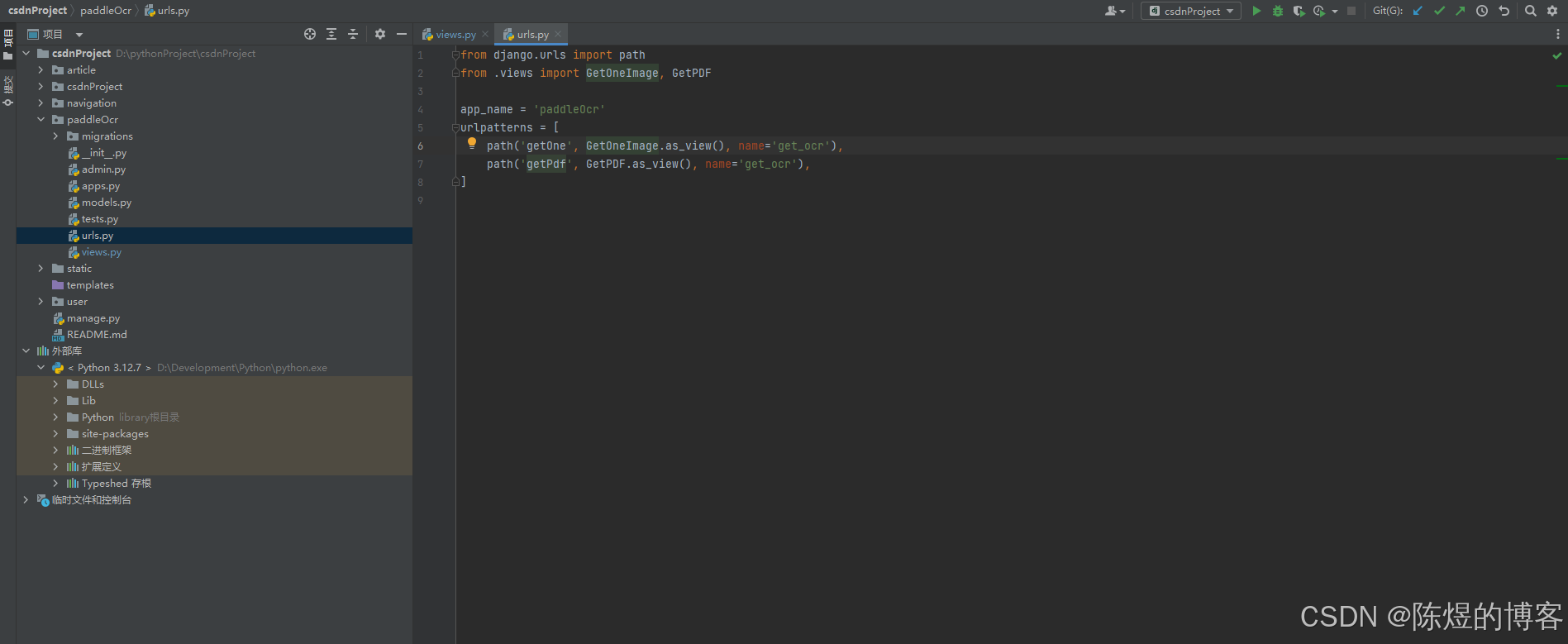
参考:使用paddleOCR批量识别pdf_paddleocr pdf-CSDN博客